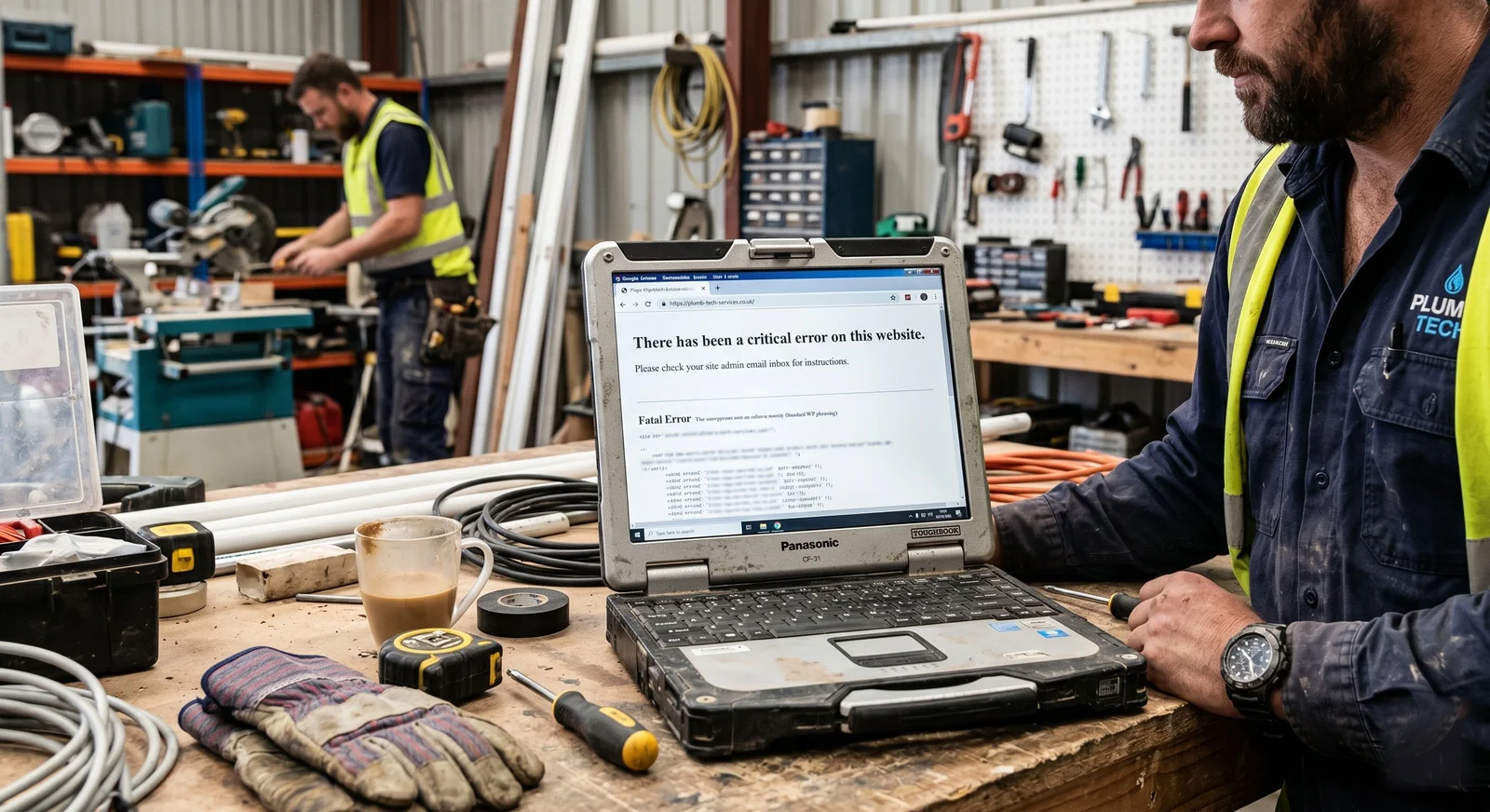
If your business site runs on WordPress and you haven't touched it in 6 months, there's a real chance it's broken right now and you don't know it.
If your business site uses WordPress (a popular site builder) and you haven't touched it in 6 months, there's a real chance something's broken on it right now and you don't even know.
Forms might be silently failing to send. The mobile menu might be invisible on iPhones. A plugin conflict might be slowing every page to a crawl. Google might be seeing 404 errors where there used to be pages.
Your quote form might be silently failing to send. The menu might be invisible on iPhones. An add-on conflict might be slowing every page so much that visitors give up. Google might be seeing missing-page errors where your suburb pages used to be.
You'd never know unless you specifically tested for it. The site looks the same from the home page. It just doesn't work properly anymore.
Here's why this happens, and how to check yours in 5 minutes.
The chain that breaks WordPress sites
WordPress sites are made up of three independent moving parts: the WordPress core (the platform itself), the theme (controls how the site looks), and plugins (extend functionality, like forms, SEO, analytics, image galleries, security, caching, page builders, and so on).
WordPress sites are built from three separate moving parts: WordPress itself (the engine), the theme (controls how the site looks), and add-ons (extra bits that do specific jobs like forms, Google ranking, photo galleries, security, page speed, drag-and-drop editors, and so on).
Each of these three layers is maintained by a different company or developer. Each releases updates on its own schedule. Each update has the potential to conflict with the others.
Each of these three layers is made by a different company. Each one pushes out updates on its own schedule. Each update has the potential to clash with the others.
A typical tradie WordPress site has WordPress core, one theme, and somewhere between 10 and 25 plugins. That's 12 to 27 independent things that can update, conflict, deprecate, or be abandoned by their developers.
A typical tradie WordPress site has WordPress itself, one theme, and somewhere between 10 and 25 add-ons. That's 12 to 27 separate things that can update, clash, stop working, or be abandoned by the people who made them.
Every 6 months WordPress pushes a major core update. Themes update independently. Plugins update on their own schedule, sometimes weekly. The math gets ugly fast.
Every 6 months WordPress itself pushes out a big update. The theme updates separately. Add-ons update on their own schedule, sometimes weekly. The maths gets ugly fast.
What actually breaks
From auditing dozens of tradie WordPress sites, these are the failures that turn up most often.
1. Forms stop sending
Most WordPress contact forms use Contact Form 7, WPForms, Gravity Forms, or Ninja Forms. These all rely on PHP's mail() function or an SMTP plugin. After a core update or PHP version change on the hosting server, the form still appears to submit (visitor gets a success message), but the email never sends.
Most WordPress contact forms use add-ons like Contact Form 7 or WPForms. These rely on background settings to send the email. After an update on the hosting server, the form might still seem to submit (the visitor sees a thank-you message), but the email never actually arrives in your inbox.
You'd only know if you tested the form yourself, or if a customer mentioned they never heard back. Most won't bother. They'll just try the next sparky on Google.
2. Mobile menus break on specific phones
Theme updates or jQuery version changes commonly break the mobile hamburger menu on specific devices. iPhone Safari is particularly affected because Apple updates WebKit on its own cycle. A mobile menu that works fine on Android can become invisible or untappable on iPhone after either side updates.
Theme updates often break the mobile menu (the three-line button at the top) on specific phones, especially iPhones. Apple updates the iPhone's web browser on its own schedule, separate from your site. A menu that works fine on Android can become invisible or unclickable on iPhone after either side updates.
This costs more than people realise. 70% of tradie traffic is mobile. If the menu doesn't work on iPhone, the iPhone visitors can't navigate your site.
3. Page builders become unstable
Sites built with Elementor, Divi, WPBakery, or Beaver Builder are particularly vulnerable. Page builders inject their own JavaScript and CSS. When they update, layouts shift. When WordPress core updates, sometimes the editor stops loading entirely.
Sites built with drag-and-drop editors like Elementor or Divi are particularly fragile. These editors add their own background code to every page. When they update, layouts can shift around. When WordPress itself updates, sometimes the editor stops loading at all.
The classic symptom: you log in to edit something, the page editor doesn't open, you get an error message and no obvious way to fix it.
4. Plugins get abandoned
A plugin you installed 2 years ago might be marked "Untested with the latest version of WordPress" or even unlisted from the plugin directory. This doesn't always break the site immediately, but it means the plugin is no longer receiving security updates. Six months later it becomes a known vulnerability, and your site gets compromised.
An add-on you installed 2 years ago might be flagged as "no longer maintained" or even removed from the official directory. This doesn't always break the site straight away, but it means the add-on is no longer getting security patches. Six months later it becomes a known weak spot, and your site gets hacked.
Almost every WordPress site I audit has at least one abandoned plugin still active.
5. Google quietly drops you from results
If page load times degrade past about 4 seconds, Google starts demoting the site in mobile results. WordPress sites accumulate bloat over time as plugins, fonts, scripts, and tracking pixels stack up. The site that scored 75 on Lighthouse when it launched might score 28 a year later, and you'd never know unless you checked.
If pages start loading slower than about 4 seconds, Google starts pushing your site down in mobile search results. WordPress sites get heavier over time as add-ons, fonts, tracking scripts, and other bits and pieces stack up. The site that scored 75 out of 100 on Google's speed test when it launched might score 28 a year later, and you'd never know unless you checked.
This is the slow death that's hardest to detect, because there's no obvious symptom. The phone just stops ringing as much.
5 ways to check your site right now
5 minutes, nothing to install. You can do these from your phone right now.
1. Test your contact form (1 minute)
Open your site on your phone. Fill in the contact form with your own email address. Submit it. Check your inbox in 5 minutes. If nothing arrives, the form is broken. Don't trust the success message on the page.
Open your site on your phone. Fill in the quote form with your own email address. Submit it. Check your inbox 5 minutes later. If nothing arrives, the form is broken. Don't trust the thank-you message on the page.
2. Check the mobile menu (30 seconds)
Tap the hamburger icon (three lines) on your phone. Does the menu open? Are all the links tappable? If the menu doesn't open or links don't work, you've got a problem.
3. Run Google's PageSpeed Insights (2 minutes)
Go to pagespeed.web.dev. Paste in your homepage URL. Wait for the score. Anything under 50 on mobile is hurting your ranking. Anything under 30 is severely hurting it.
Go to pagespeed.web.dev. Paste in your home page address. Wait for the score. Anything under 50 out of 100 on mobile is hurting your Google ranking. Anything under 30 is hurting it badly.
4. Check Search Console for errors (1 minute)
If you have Google Search Console access, open the Pages report. Look for "Not indexed" or "Discovered, currently not indexed" pages. If there are more than a handful, Google is dropping pages.
If you have access to Google Search Console (the free tool Google gives website owners), open the Pages section. Look for pages marked "Not indexed" or "Discovered, currently not indexed". If there are more than a few, Google is dropping pages from search.
5. Look at your hosting dashboard for PHP errors (30 seconds)
Log into your hosting provider's dashboard. Most show error log entries from the last 7 days. If you see hundreds of PHP warnings or fatal errors, the site is constantly throwing errors that visitors don't see but Google can.
Log into your hosting provider's dashboard. Most show a list of recent errors. If you see hundreds of error messages from the last week, the site is constantly throwing errors that visitors don't see but Google can.
The alternative: static HTML
Static HTML sites have none of these failure modes. There are no plugins to update. No theme to conflict. No core platform that pushes breaking changes. The HTML, CSS, and JavaScript I wrote 2 years ago renders identically today and will render identically in 10 years.
Plain HTML sites don't have any of these problems. There are no add-ons to update. No theme to clash. No platform that pushes out updates that break things. The code I wrote 2 years ago shows up identically today and will show up identically in 10 years.
No security vulnerabilities from outdated plugins. No database to corrupt. No PHP version mismatches. No abandoned dependencies. Hosting on Cloudflare Pages is free, and the site loads in under 2 seconds without any caching plugin trickery.
No security holes from old add-ons. No database to break. No version mismatches. No abandoned bits of code. Hosting on Cloudflare Pages (a free service from a big tech company) is free, and the site loads in under 2 seconds without any clever caching tricks.
The trade-off is that you can't log in and edit pages with a drag-and-drop visual editor. Everything is hand-coded and deployed via git or a hosting dashboard. For most tradies, this is actually fine. You weren't editing your WordPress site anyway. You'd ring the agency to do it.
The trade-off is that you can't log in and edit pages with a drag-and-drop editor. Everything is hand-coded and uploaded a specific way. For most tradies, this is actually fine. You weren't editing your WordPress site yourself anyway. You'd ring the agency to do it for you.
If you'd rather make small edits yourself, I'll set up a simple workflow so you can update text, swap photos, or add a new suburb page without touching code. The point is you're not paying a monthly retainer to maintain a stack of moving parts that didn't need to be there in the first place.
If you'd rather make small edits yourself, I'll set up a simple way for you to update text, swap photos, or add a new suburb page without touching any code. The point is you're not paying a monthly fee to maintain a stack of moving parts that didn't need to be there in the first place.
If your site failed any of the 5 checks
Send me the URL. I'll do a full audit, send you a plain-English breakdown of what's broken and what it'll take to fix, and tell you whether it's worth fixing the WordPress site or starting fresh with static HTML.
No charge for the audit. Contact form here, or text 0481 879 355.